FreeIPA(Free Identity Policy and Audit)是 Linux/Unix 世界的 "Active Directory",一个开源的、一体化的身份管理与集中式策略控制解决方案。它旨在简化并统一在混合环境中管理 Linux 系统和用户的复杂性
简单来说,如果你需要为一批 Linux/Unix 服务器建立一个 "域",实现像 Windows AD 那样的单点登录、集中账户管理、统一安全策略和主机管理,FreeIPA 就是你的首选
核心目标:在一个由 Linux/Unix 主机组成的网络环境中,建立一个单一、可信的权威中心,用于管理:
- 身份:用户、用户组、主机、服务
- 认证:用户如何安全登录到任何一台加入域的主机
- 策略:统一的访问控制、sudo 规则、密码策略
- 审计:集中记录安全相关的事件
解决的问题:
- 避免账户分散:不再需要在每台服务器上手动创建相同的用户账户
- 告别密码同步噩梦:用户一个密码即可访问所有授权系统(单点登录)
- 统一安全基线:在中心点定义密码复杂度、过期时间、sudo 权限等,自动下发到所有主机
FreeIPA 不是单一软件,而是将多个成熟的开源项目深度集成,形成一个统一、易于管理的产品。这是它与自己手动搭建 "OpenLDAP + Kerberos + DNS" 组合的根本区别
FreeIPA 官方文档:Documentation — FreeIPA documentation
# 1. 环境规划
# 主机规划
| Role | Hostname | IP | OS |
| FreeIPA Server | ipa.demoduan.com | 192.168.121.126 | AlmaLinux 9 |
| FreeIPA Client | client01.demoduan.com | 192.168.121.130 | Debian 12 |
| FreeIPA Client | client02.demoduan.com | 192.168.121.134 | Ubuntu 24.04 |
# 域与 Relam 规划
DNS Domain:demoduan.com
Kerberos Realm:DEMODUAN.COM(必须全大写)
# 2. 基础系统准备
# 设置主机名
hostnamectl set-hostname ipa.demoduan.com
hostnamectl set-hostname client01.demoduan.com
hostnamectl set-hostname client02.demoduan.com
# 配置 /etc/hosts(Server 和 Client 都要配置)
192.168.121.126 ipa.demoduan.com ipa
192.168.121.130 client01.demoduan.com client01
192.168.121.134 client02.demoduan.com client02
# 时钟同步(Kerberos 强依赖时间)
dnf -y install chrony(FreeIPA Server)
apt update && apt install -y chrony(FreeIPA Client)
systemctl enable --now chrony(Server & Client)
# 3. FreeIPA Server
systemctl disable --now firewalld
setenforce 0
sed -i 's/SELINUX=.*/SELINUX=disabled/' /etc/selinux/config
dnf update -y
dnf install -y ipa-server ipa-server-dns
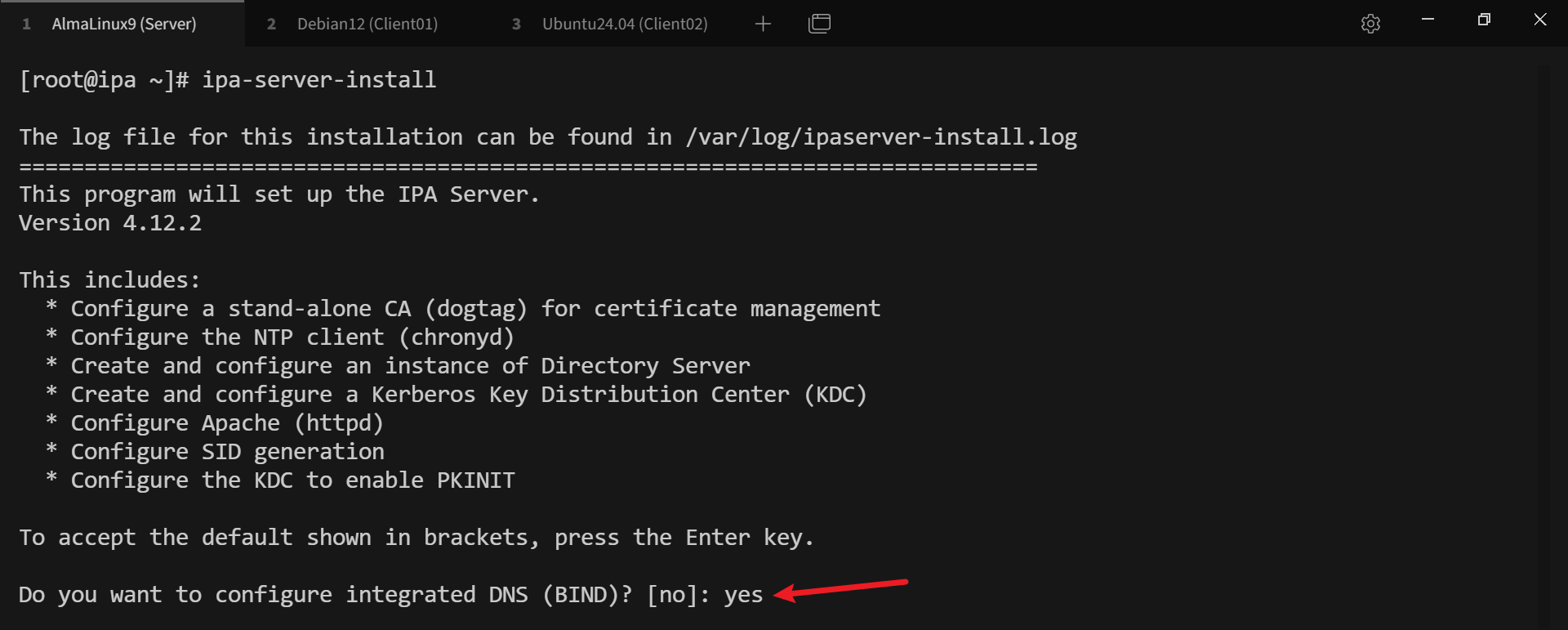
# 配置示例:
Server host name: ipa.demoduan.com
Domain name: demoduan.com
Realm name: DEMODUAN.COM
Directory Manager password: ********
IPA admin password: ********
Do you want to configure DNS forwarders? [yes]: "回车"
Do you want to configure these servers as DNS forwarders? [yes]: "回车"
Enter an IP address for a DNS forwarder, or press Enter to skip: "回车"
Do you want to search for missing reverse zones? [yes]: "回车"
Do you want to create reverse zone for IP 192.168.121.126 [yes]: "回车"
Please specify the reverse zone name [121.168.192.in-addr.arpa.]: "回车"
NetBIOS domain name [DEMODUAN]: "回车"
Do you want to configure chrony with NTP server or pool address? [no]: "回车"
Continue to configure the system with these values? [no]: yes
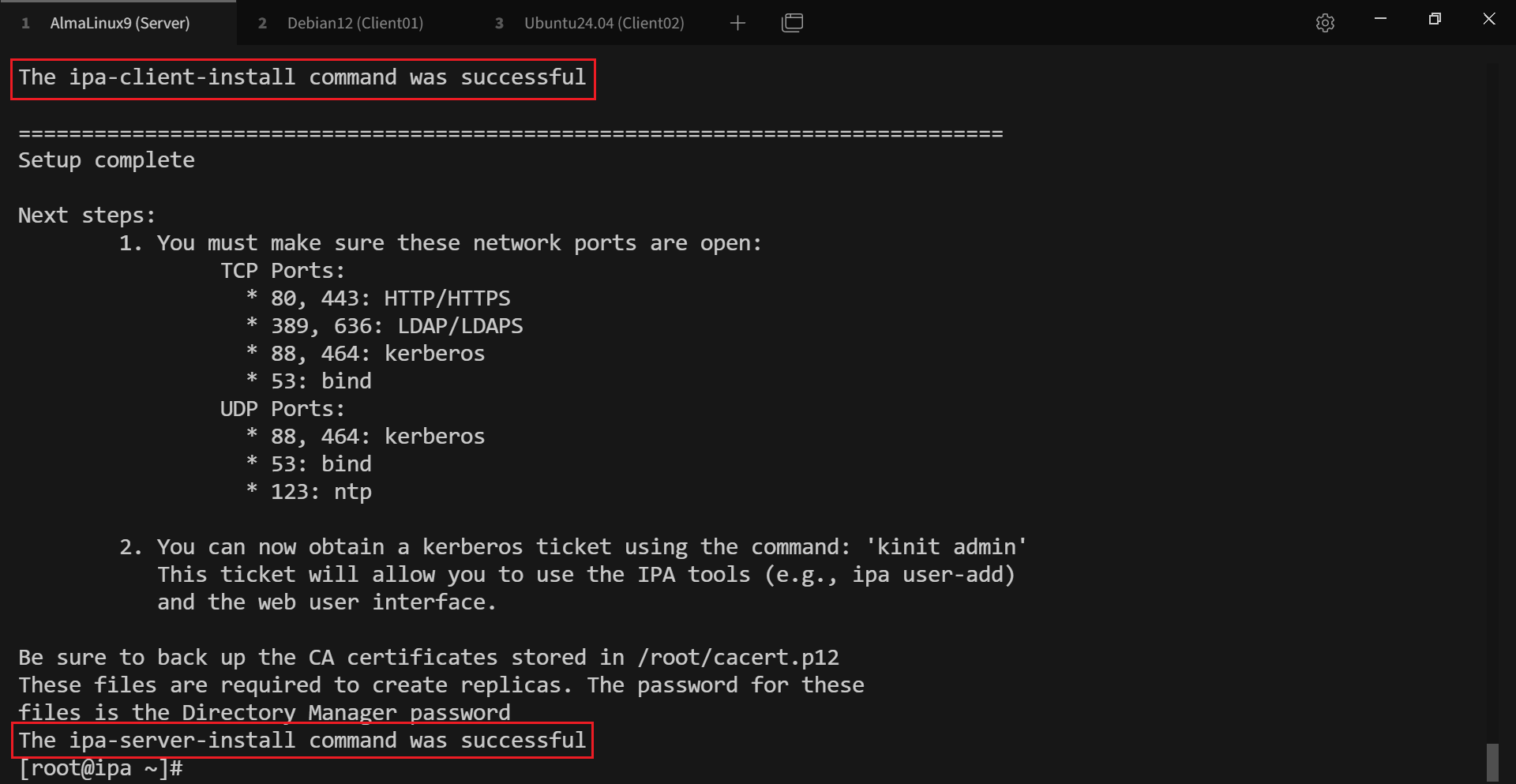
# 出现以下提示表示安装成功
# 4. 验证 Server
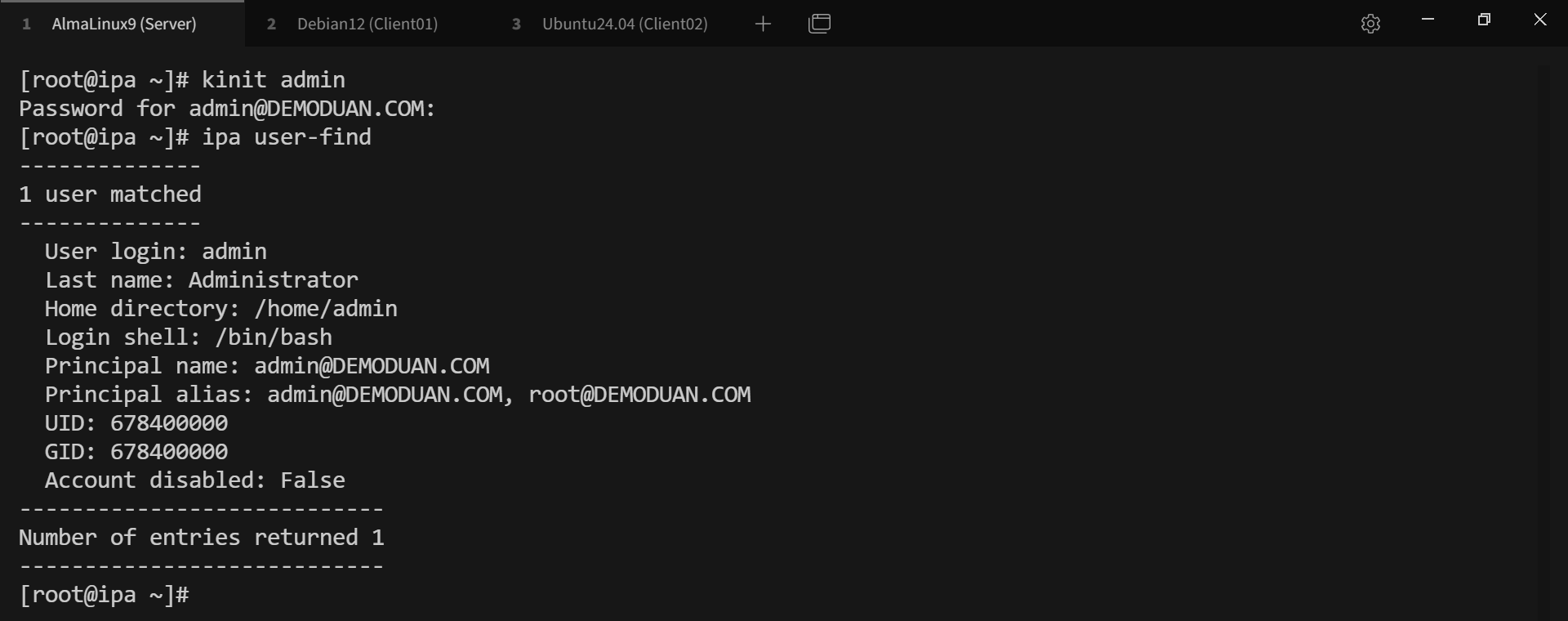
# 确保服务都是 RUNNING 状态

# Web UI
可以直接访问 https://192.168.121.126,也可以在 C:\Windows\System32\drivers\etc\hosts 添加解析后访问 https://ipa.demoduan.com
# Web UI admin 登录密码为 kinit admin 命令设置的密码
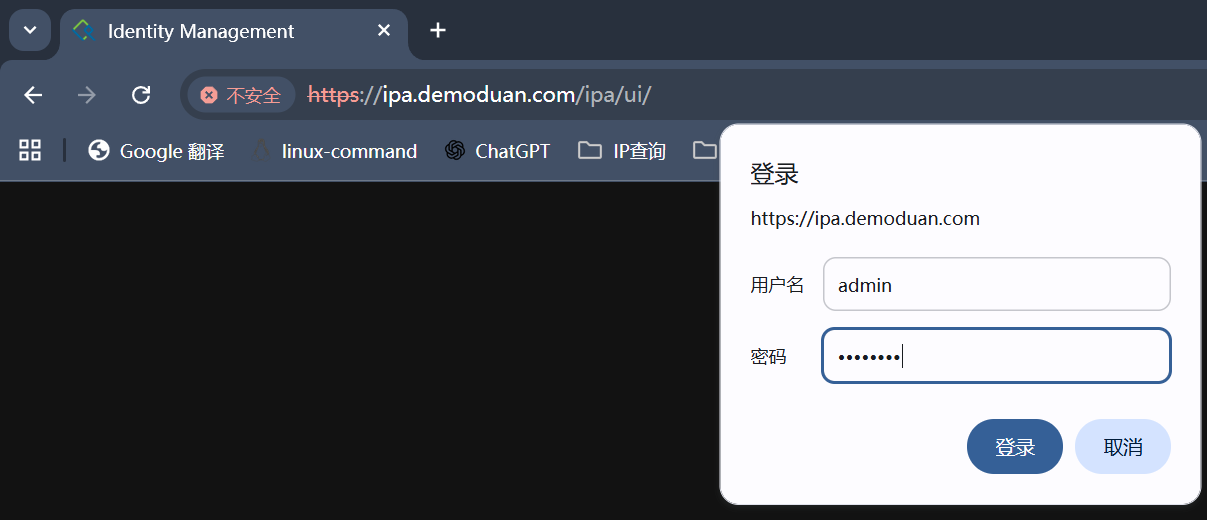
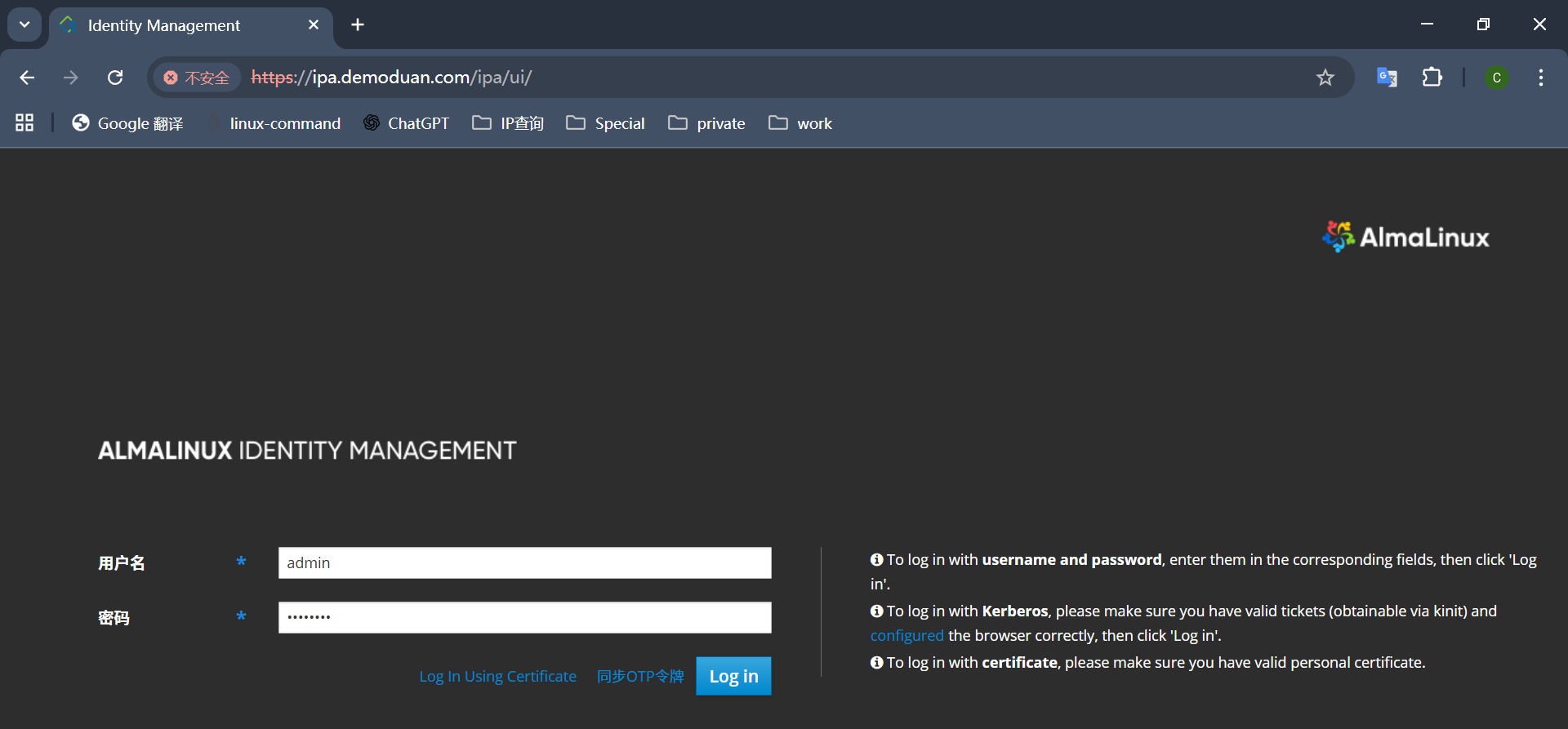
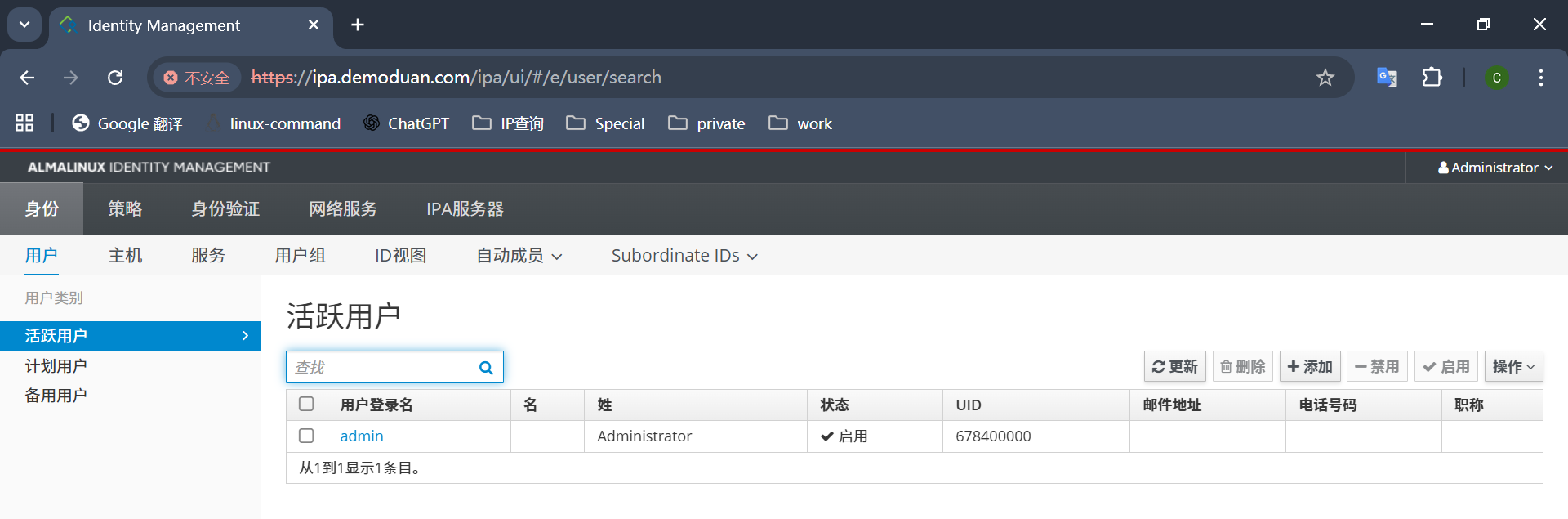
# 登录后的界面如下
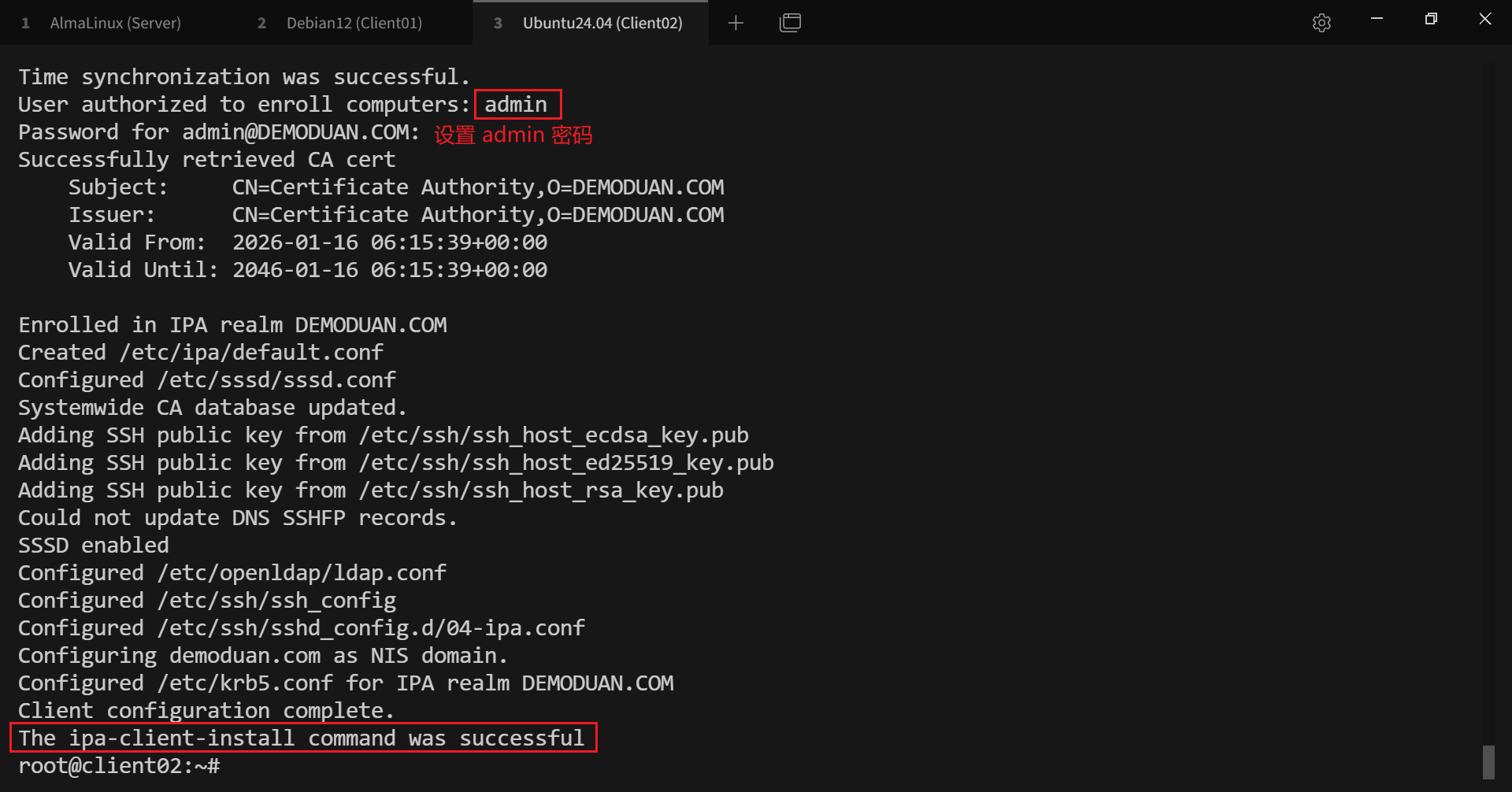
# 5. FreeIPA Client
apt update
apt install -y freeipa-client
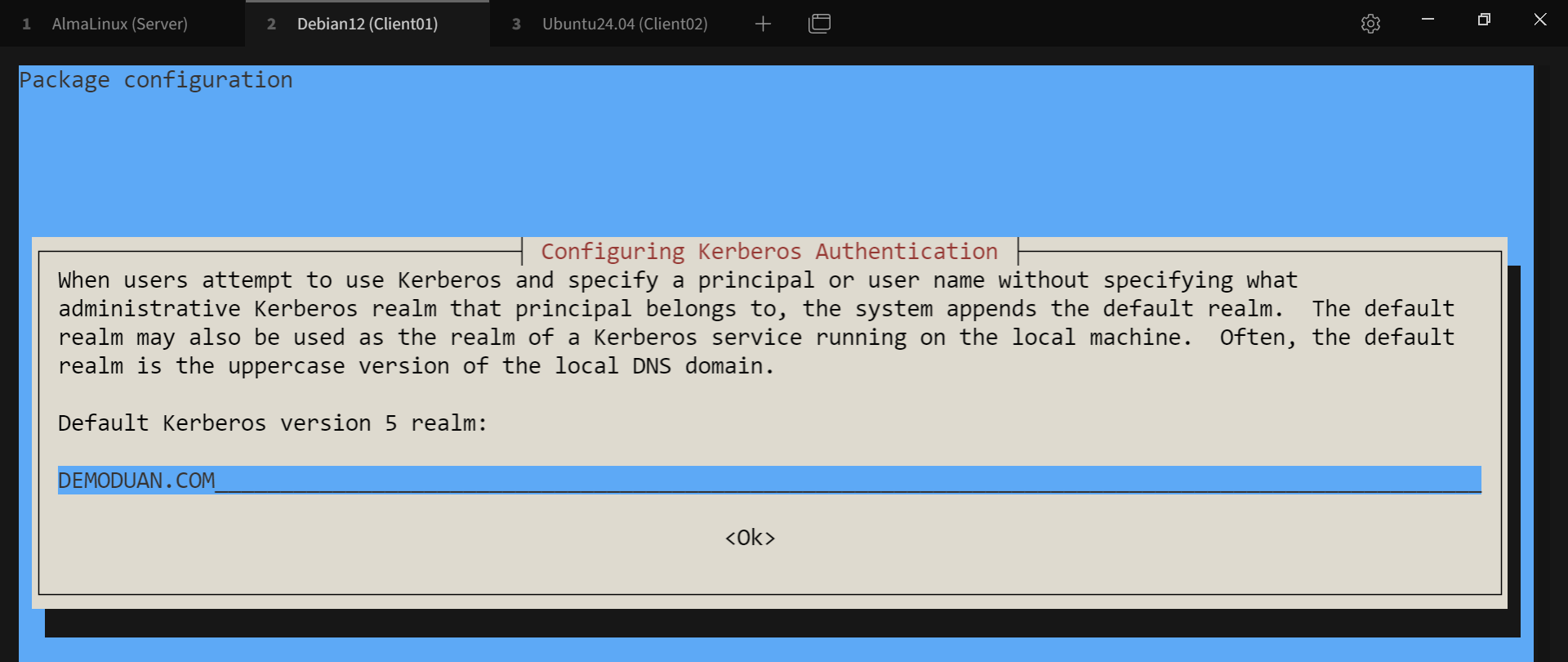
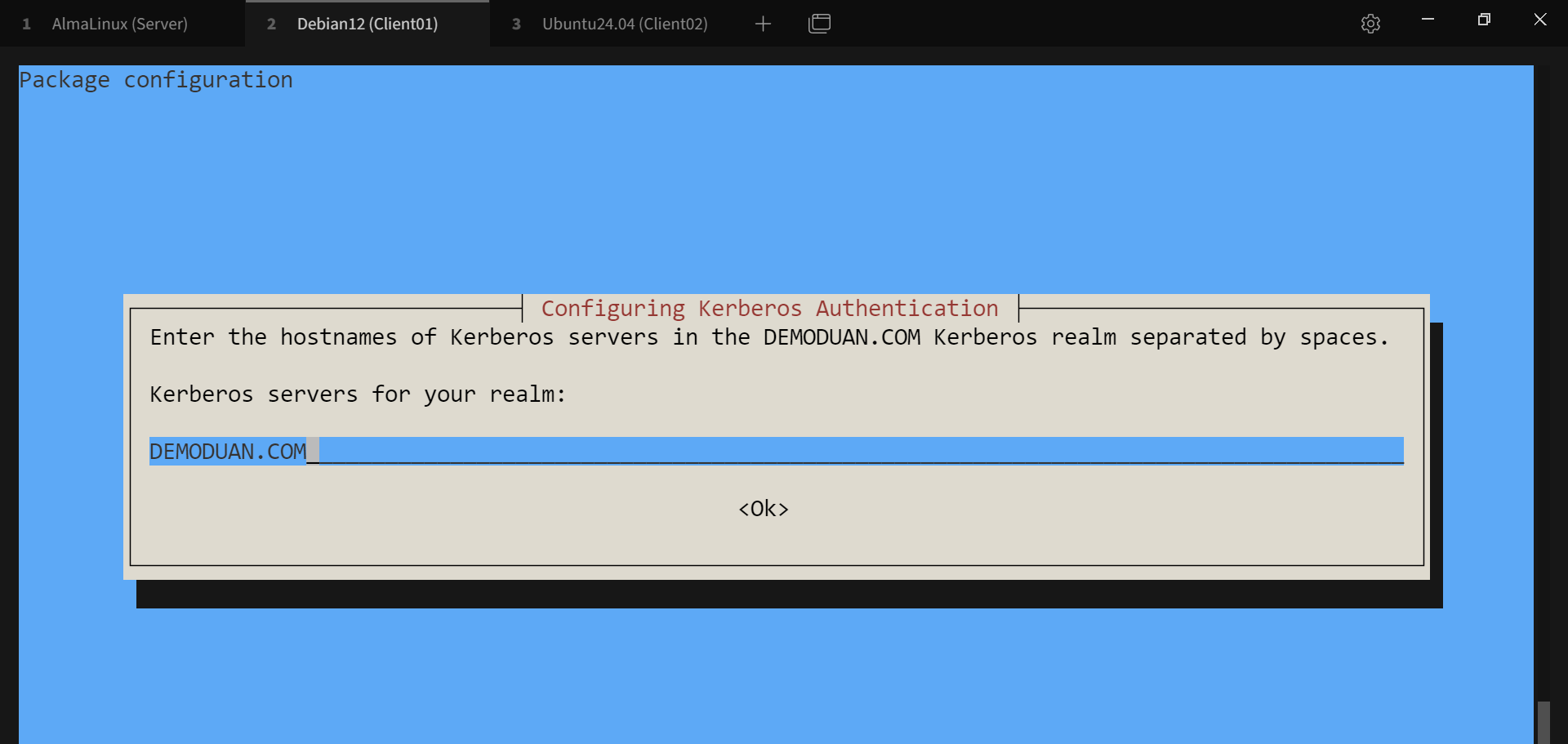
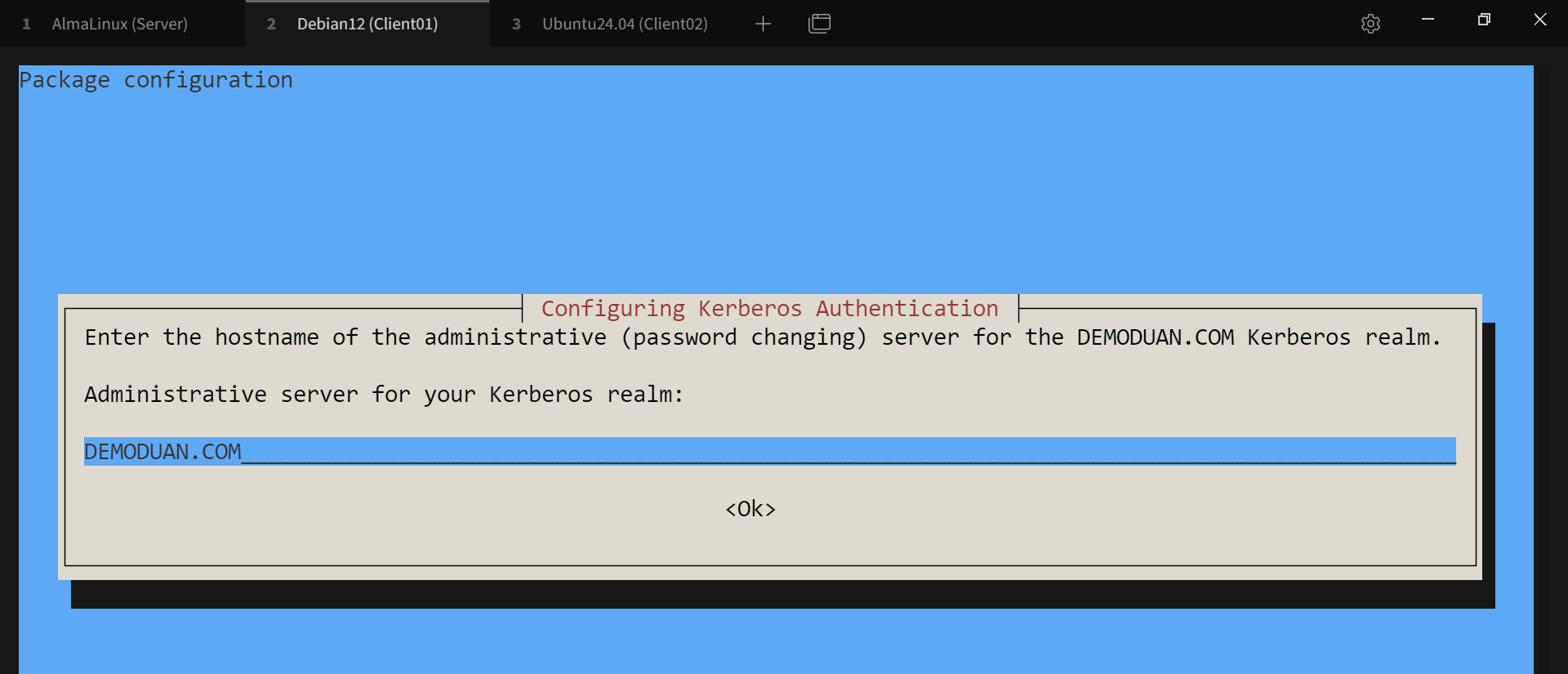
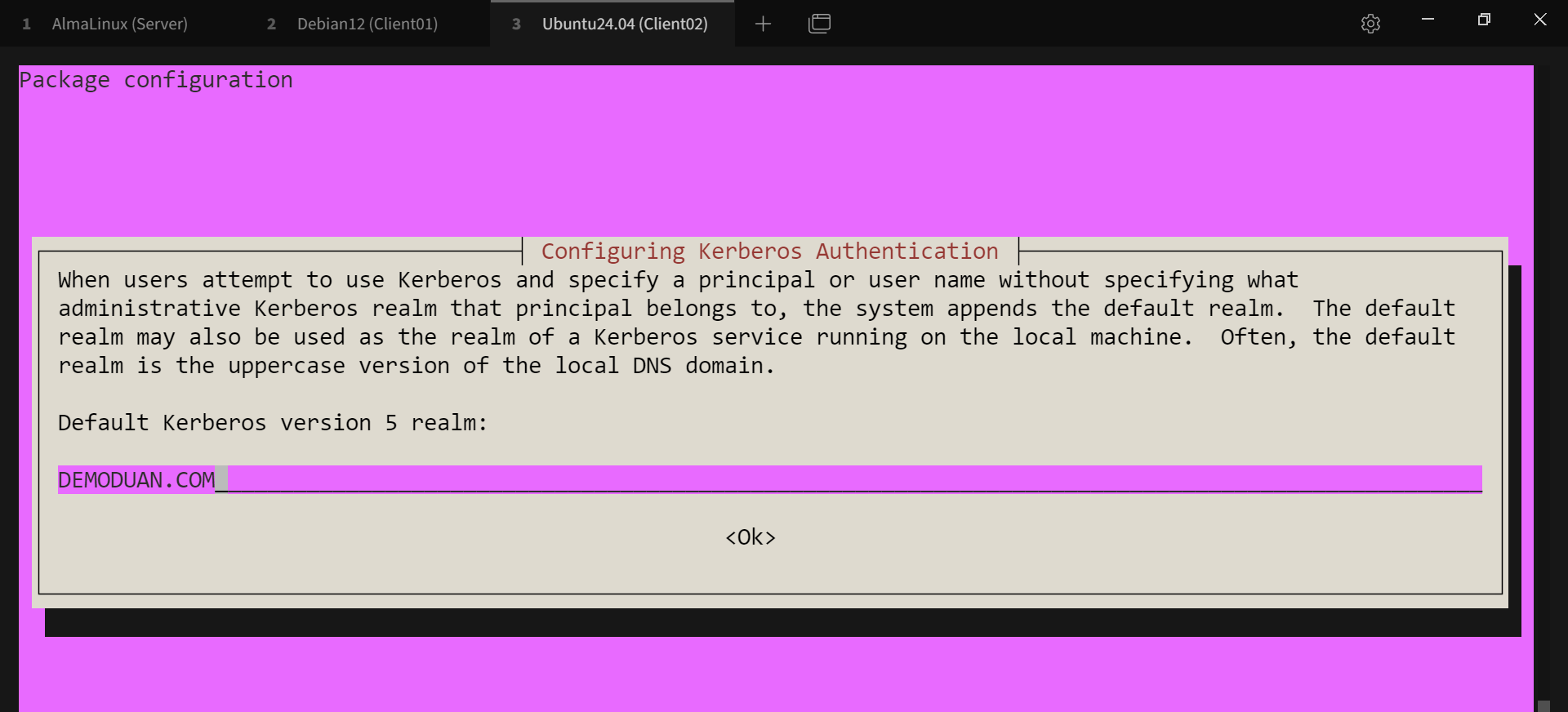
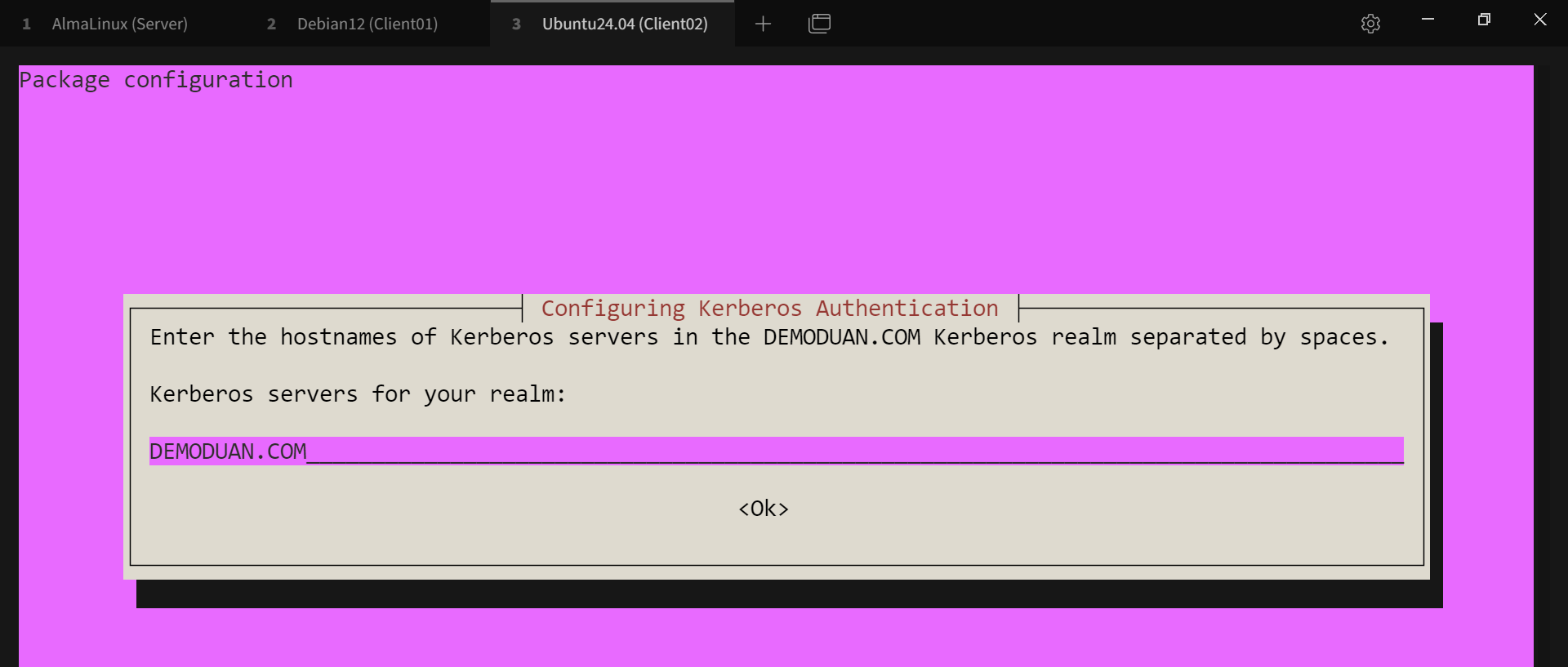
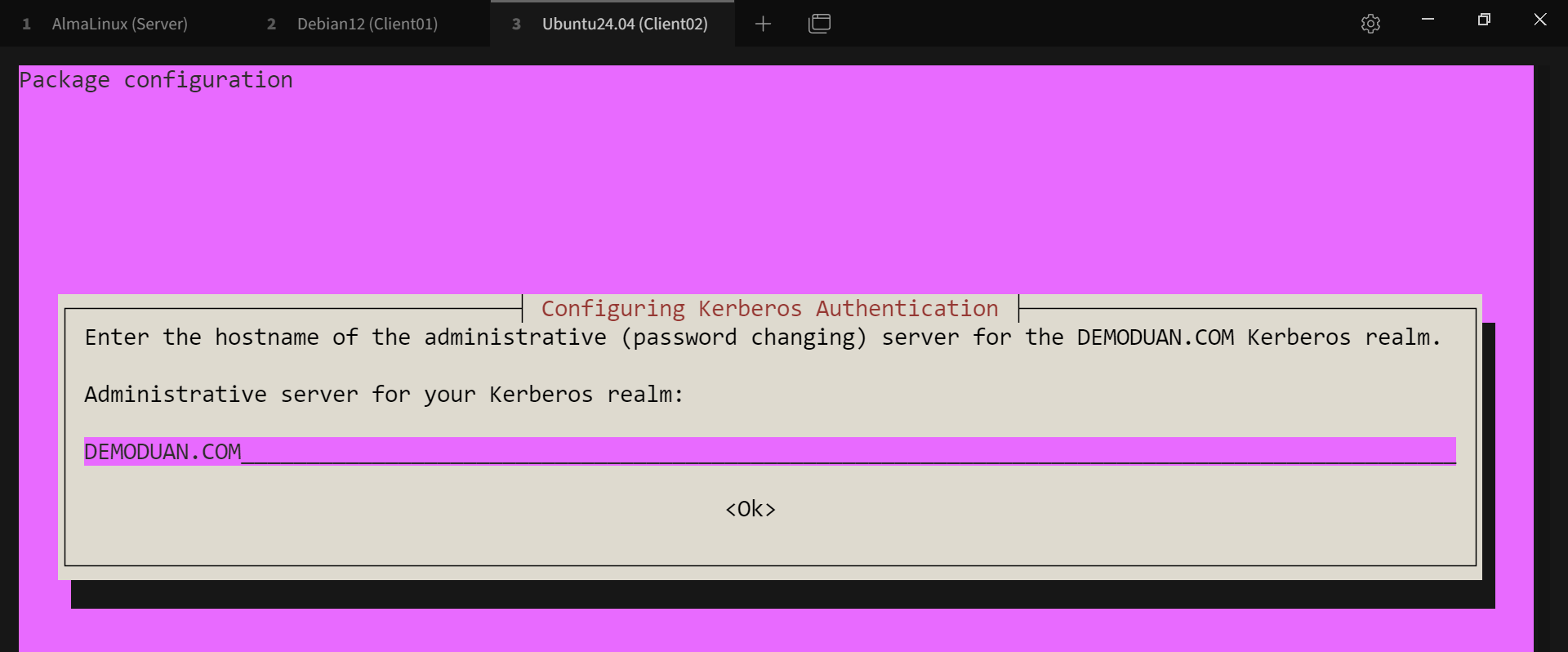
# ipa-clinet-install

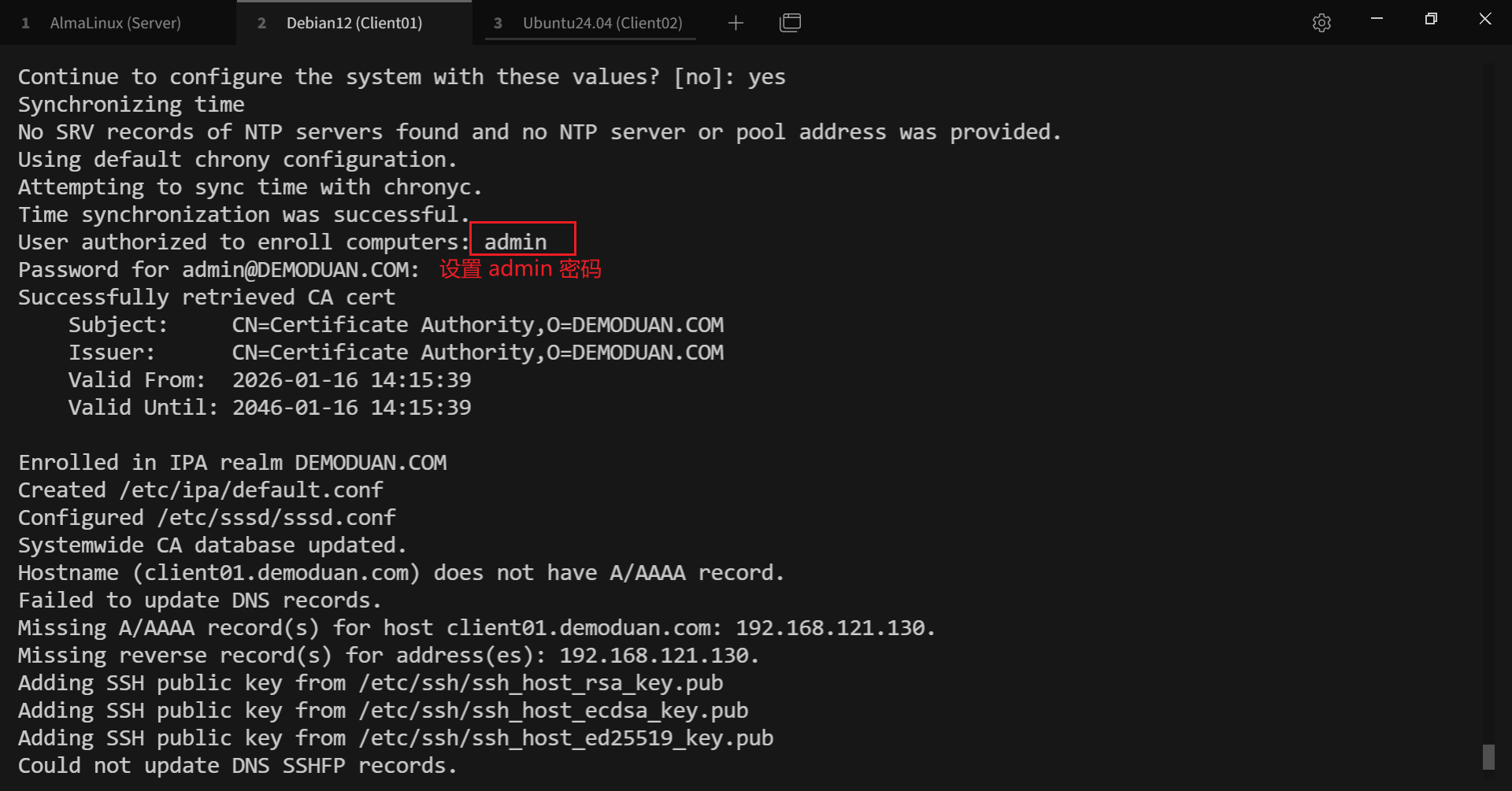
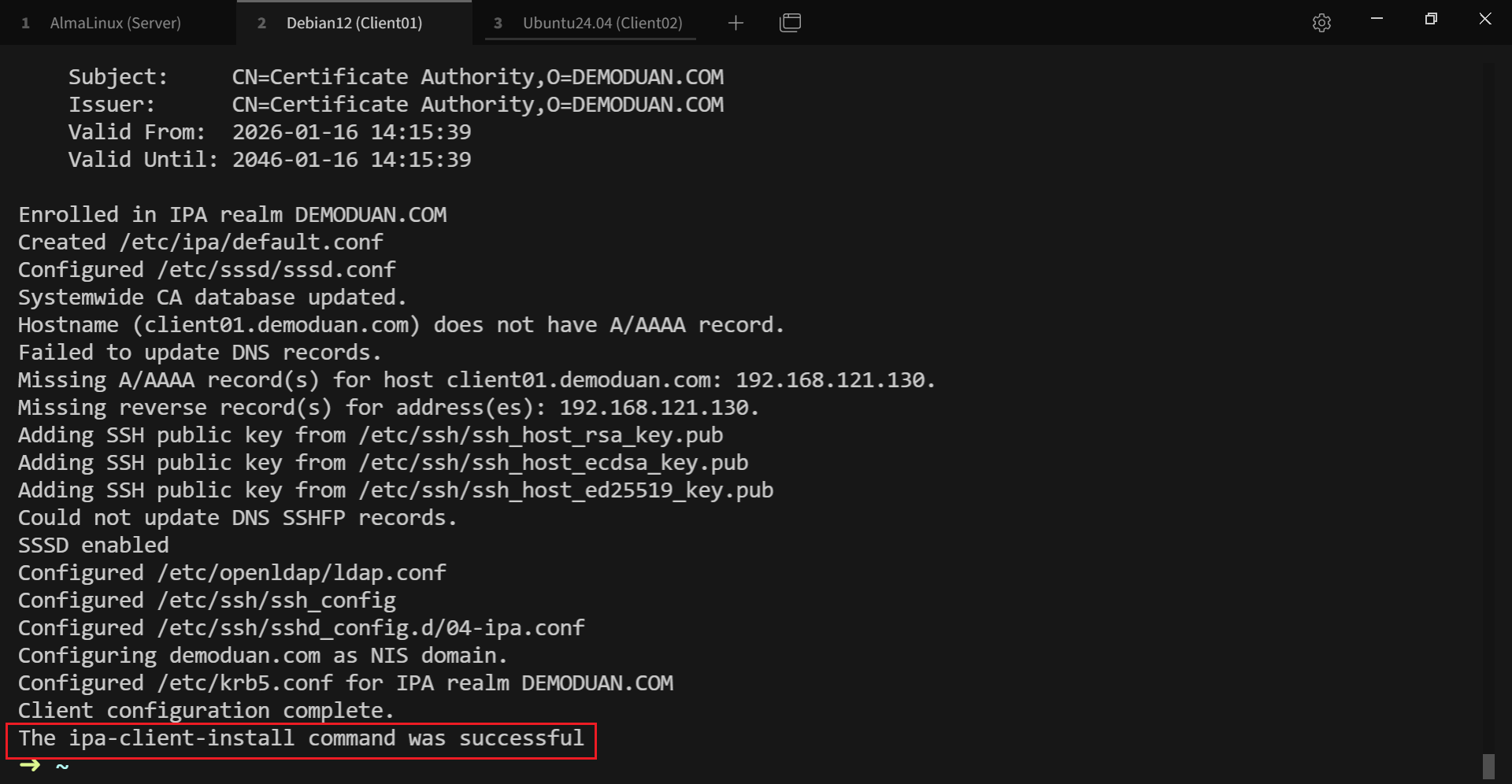
# 6. 统一认证验证
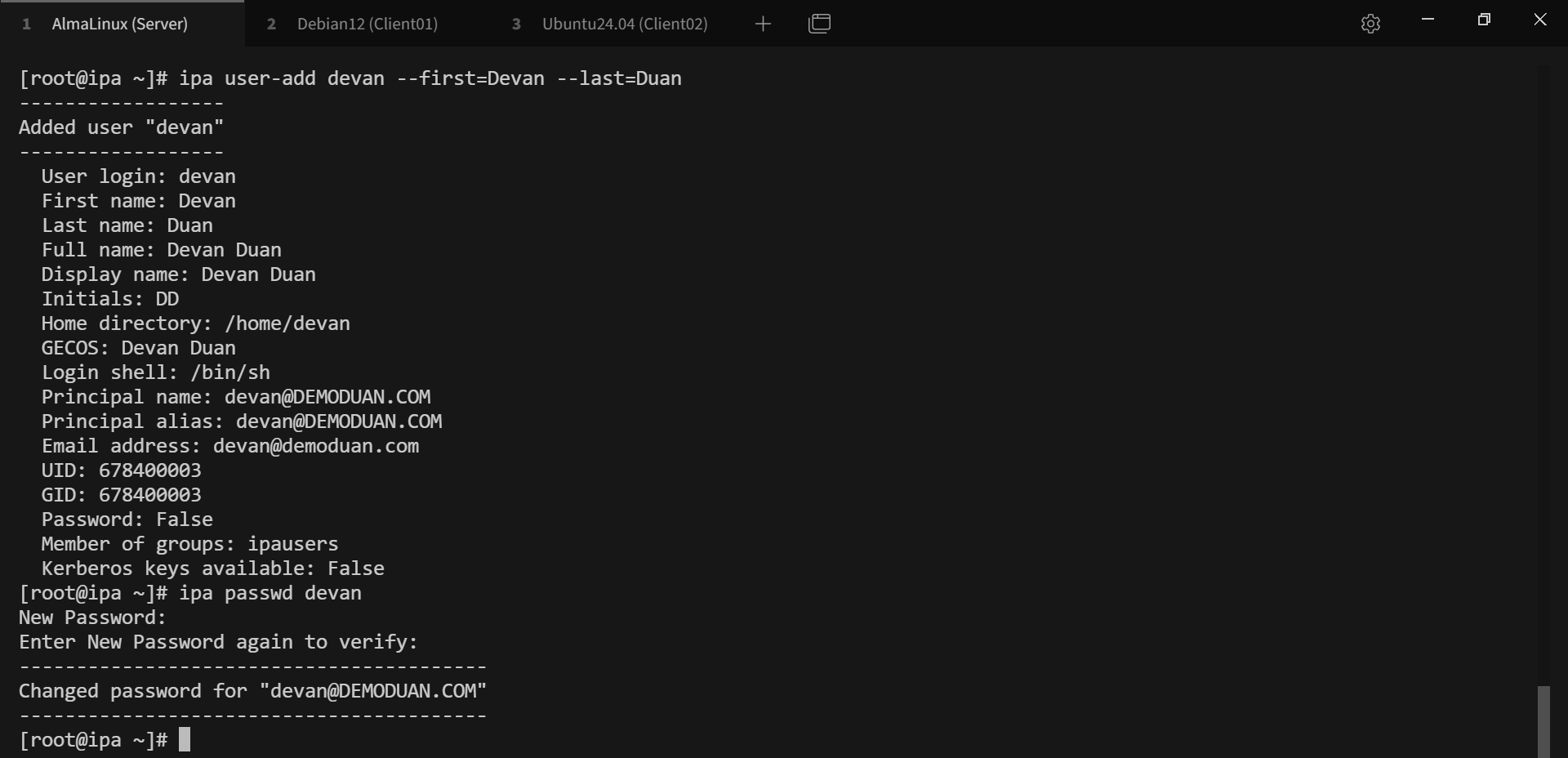
# 创建用户
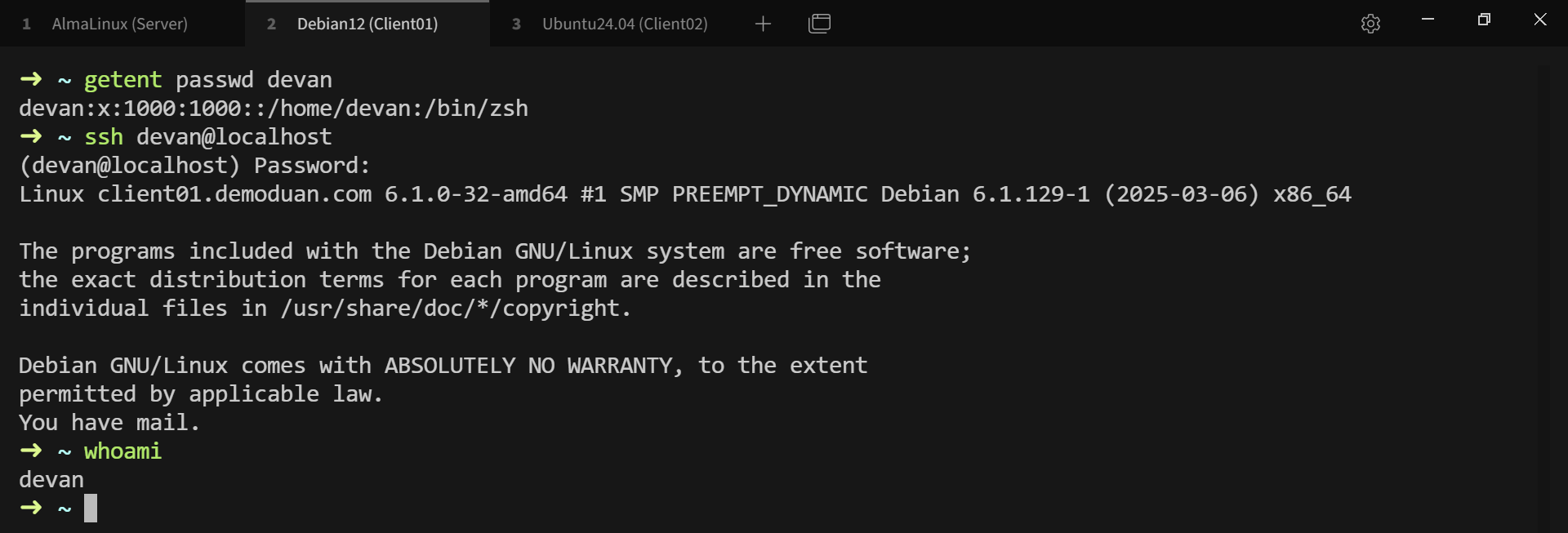
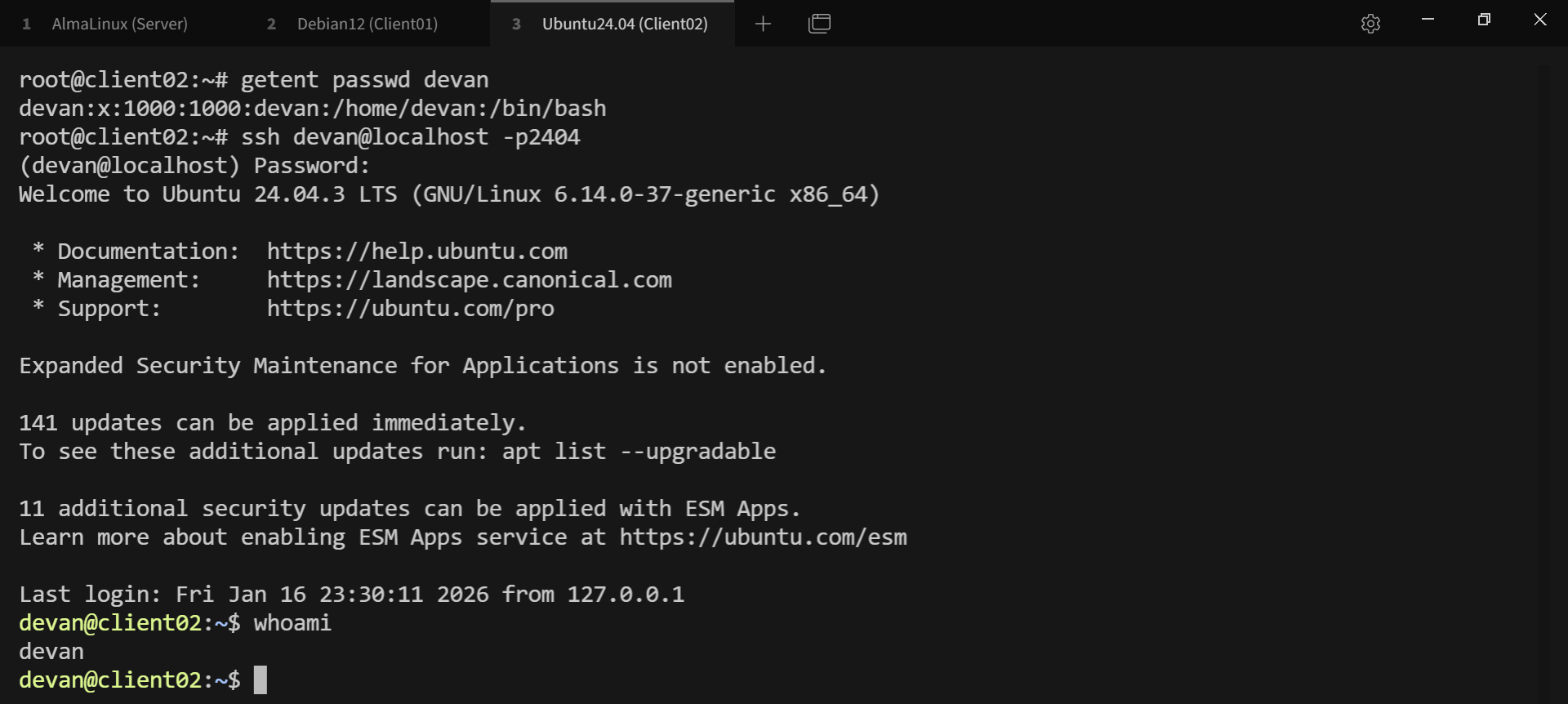
# 客户端登录测试