No web browser
Organize your test early on -
- could be base on user stories
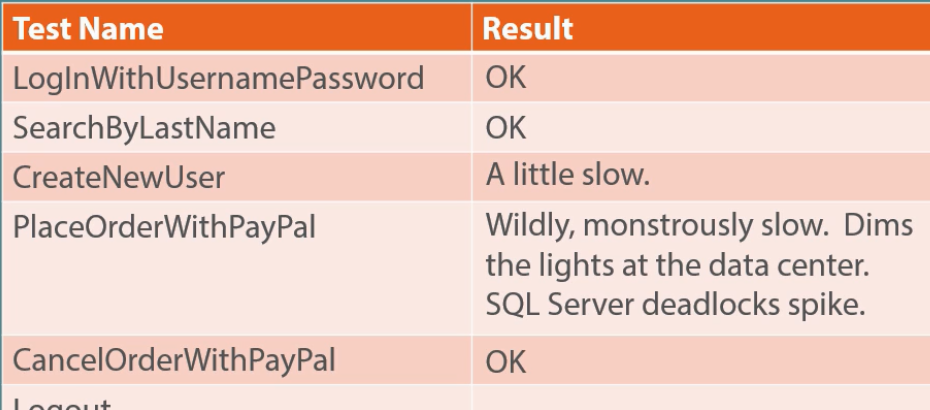
- Small granularity so you know what is slow
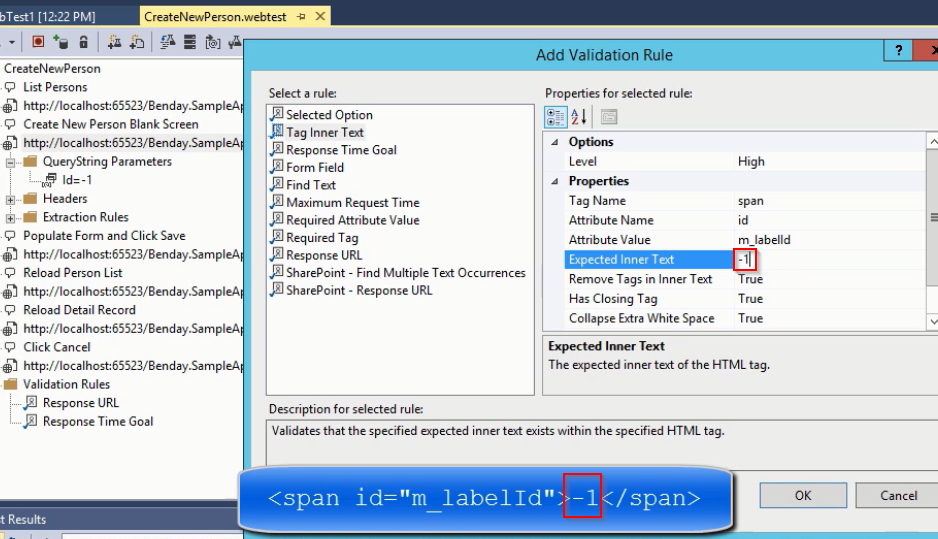
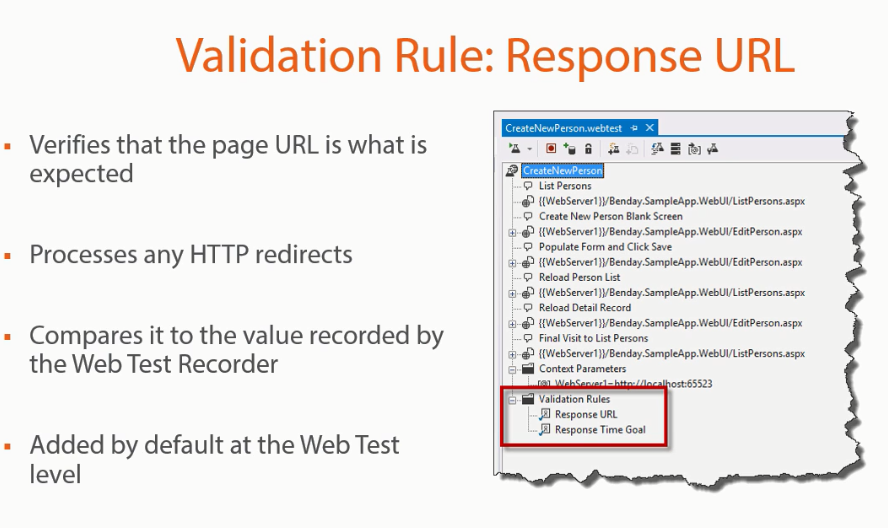
Adding Validatation Rule
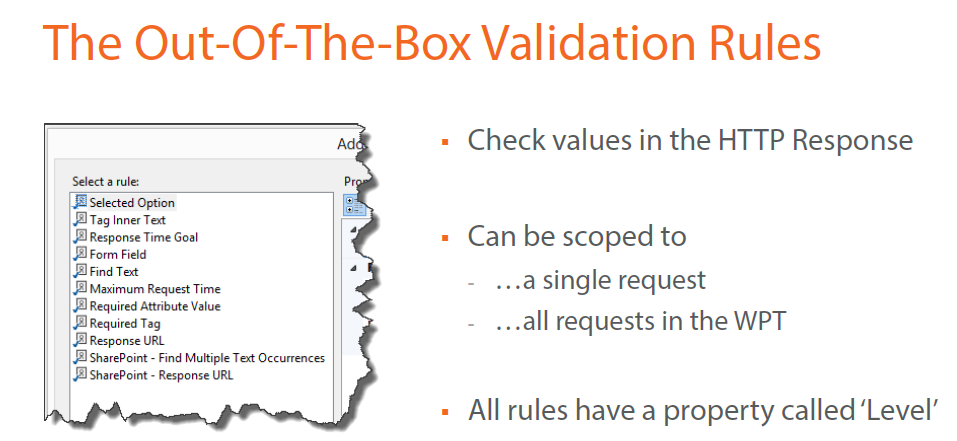
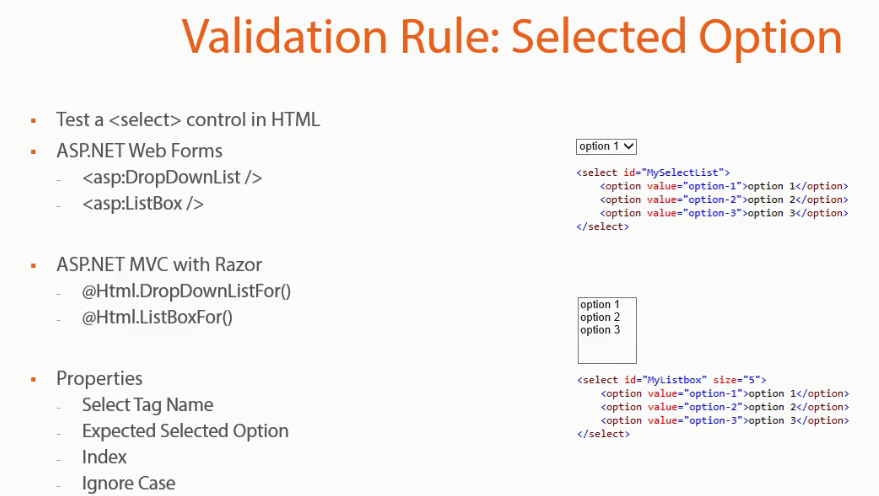
All have LEVEL to indicate importance of execution
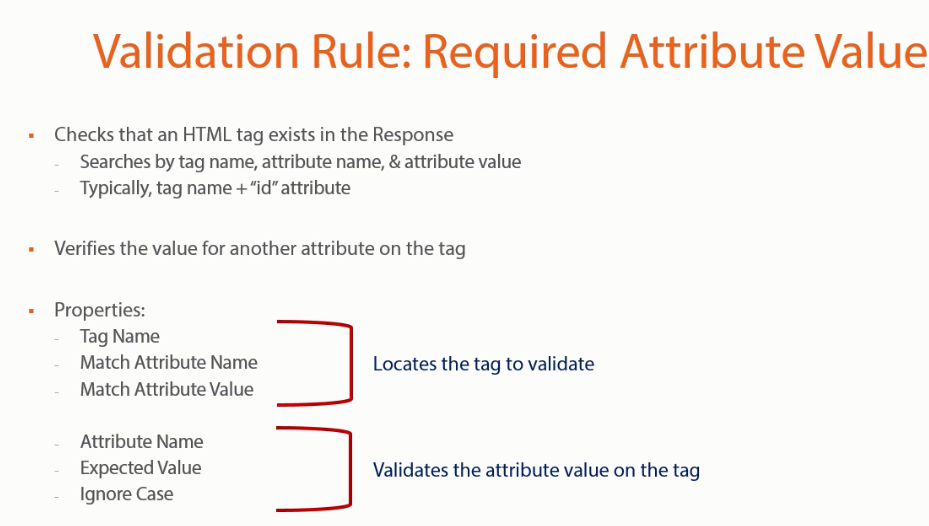
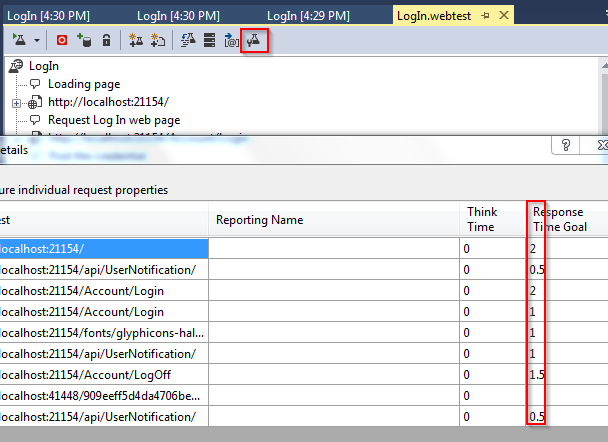
Very important : Performance Goals
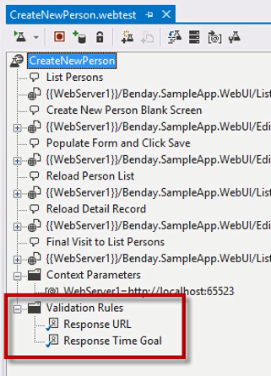
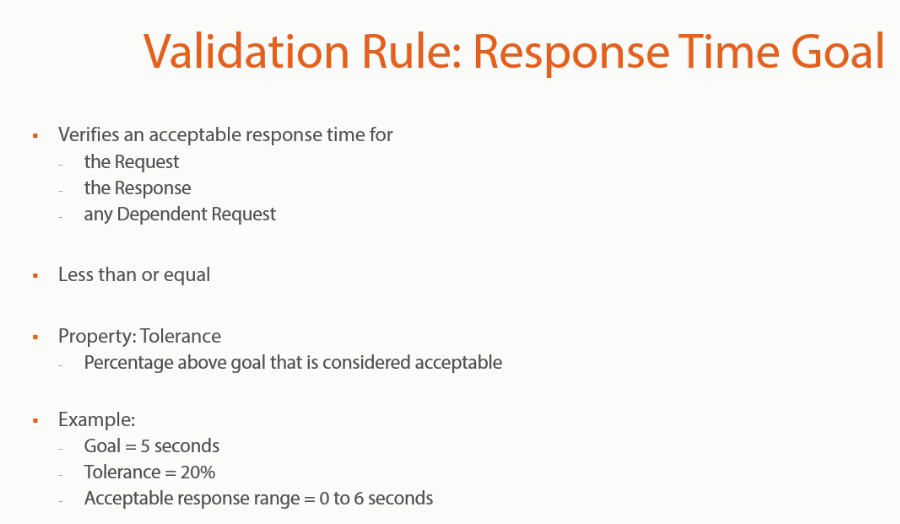
Set this in individual step
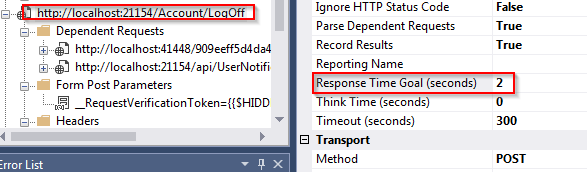
OR press the button to batch edit the response time
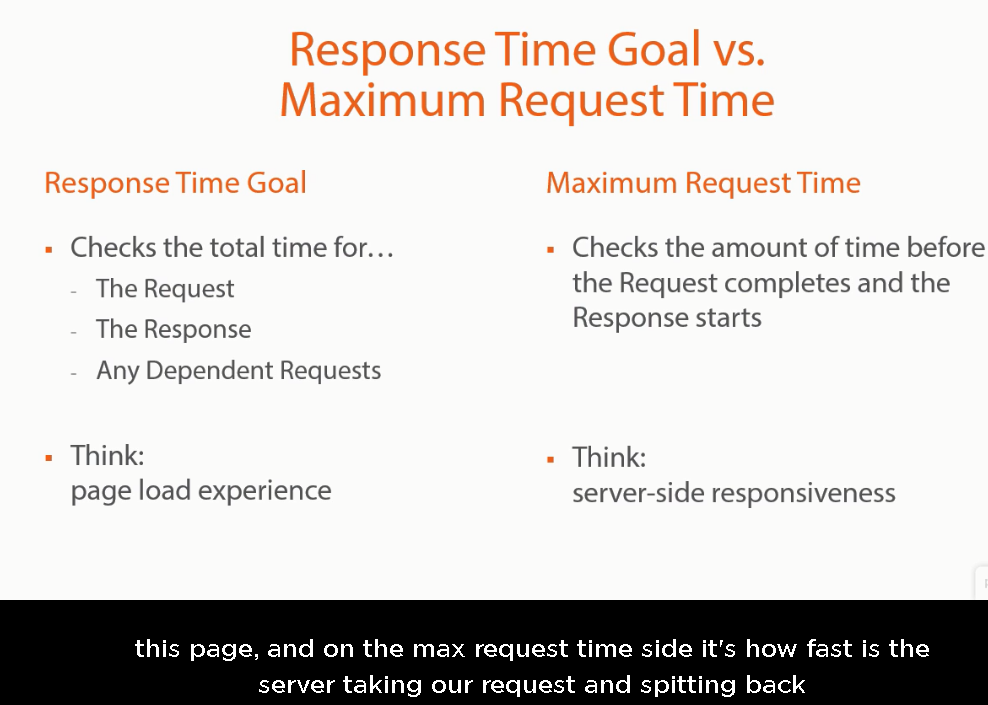
Response time = Request time + Response
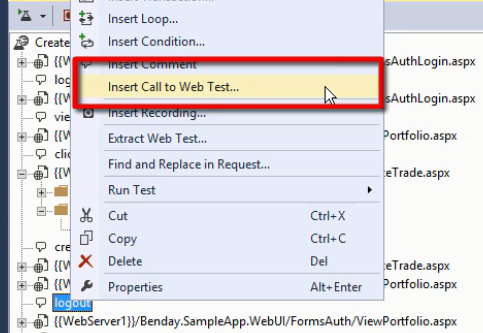
Parameterize the input and configuratoin
Extraction Rule for calcultion verification
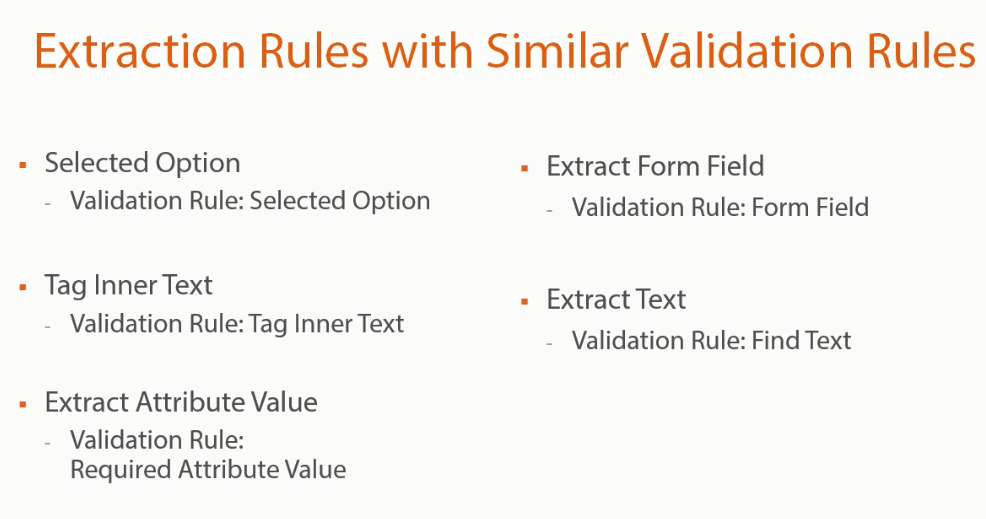
Custom extraction rule
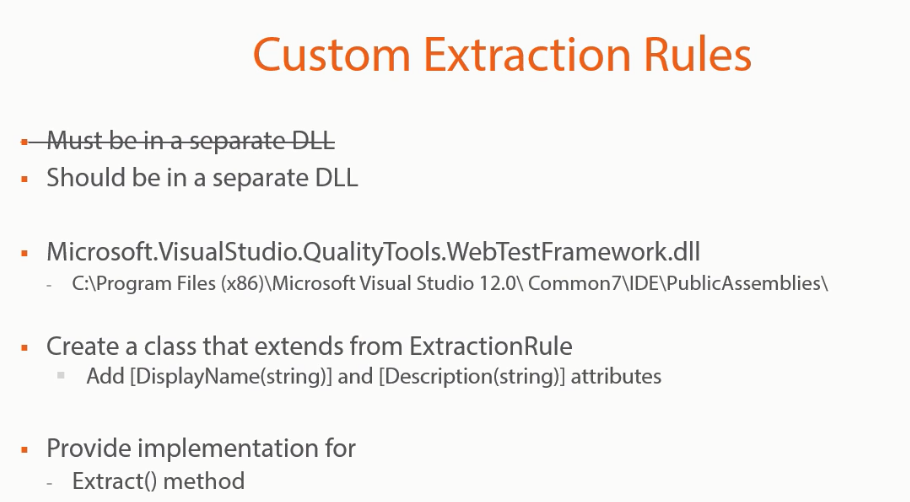
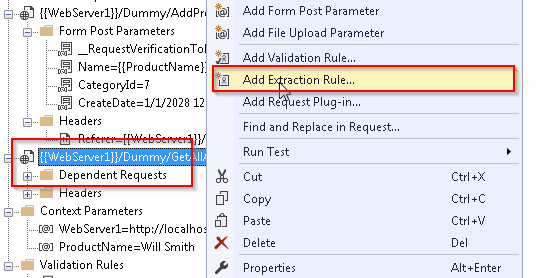
Custom Extraction Rule, the code is to extract the last hyperllnk attribute's value rended at the page.
seed it to a context parameter. which is not straightforward to extract via the tag.


using Microsoft.VisualStudio.TestTools.WebTesting;
using System;
using System.Collections.Generic;
using System.ComponentModel;
using System.Linq;
using System.Text;
using System.Threading.Tasks;namespace NewProductIdExtractor
{[DisplayName("Last Product Id")][Description("Grab the last inserted product id")]public class NewProductId : ExtractionRule{public override void Extract(object sender, ExtractionEventArgs e){HtmlTagInnerTextParser parser = new  HtmlTagInnerTextParser(e.Response.BodyString);//HtmlTagInnerText text = new HtmlTagInnerText()//    HtmlAttribute attri = new HtmlAttribute();//var match = parser.GetInnerTextForHtmlTags("data-value", true, true, true).Last();//int i = match.DocumentContent.LastIndexOf(""");string formFieldValue = string.Empty;foreach (HtmlTag tag in e.Response.HtmlDocument.GetFilteredHtmlTags(new string[] { "a" })){foreach (HtmlAttribute attr in tag.Attributes){if (attr.Name == "data-value")formFieldValue = attr.Value;}}e.WebTest.Context.Add(ContextParameterName, formFieldValue);e.Success = true;}}
}
Use {{}} to insert it to subsequent request to the server.
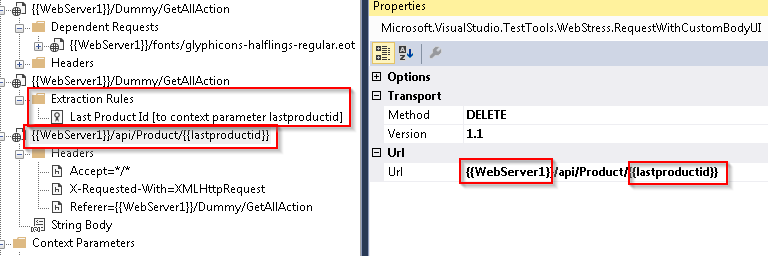
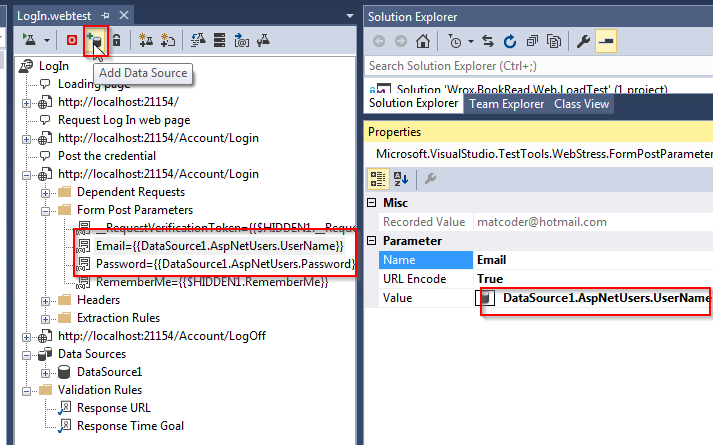
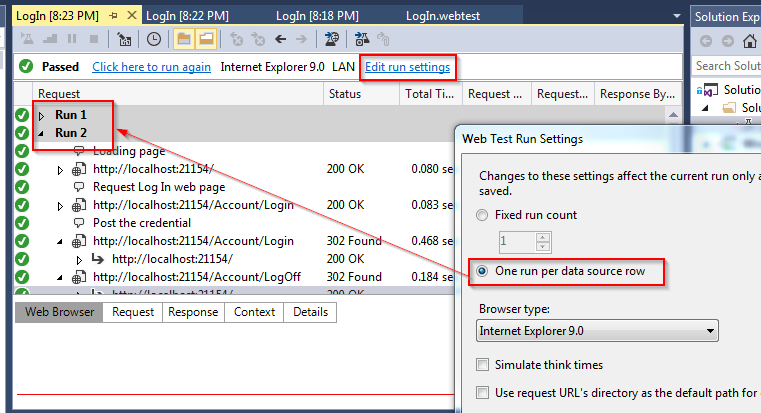
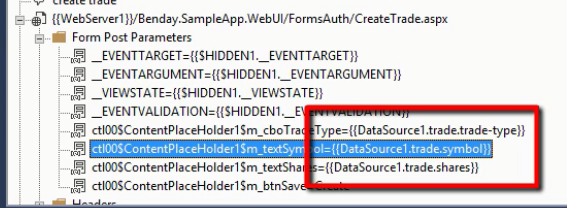
Data Driven -> Add Data Souce for multiple runs. bind the request form parameters to database row records
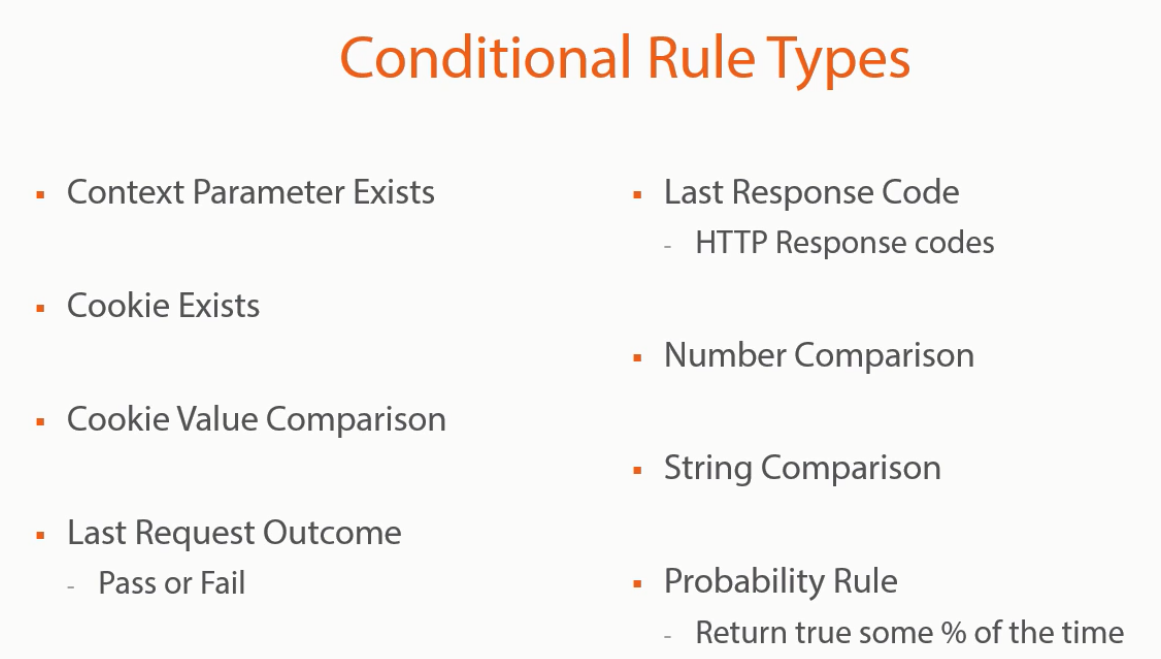
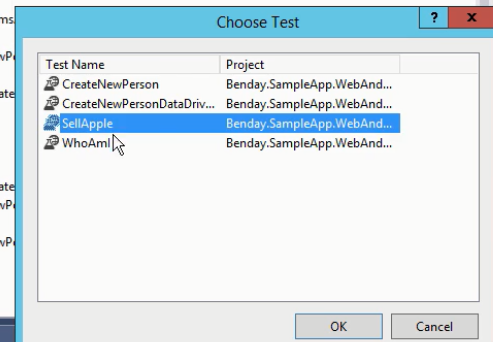
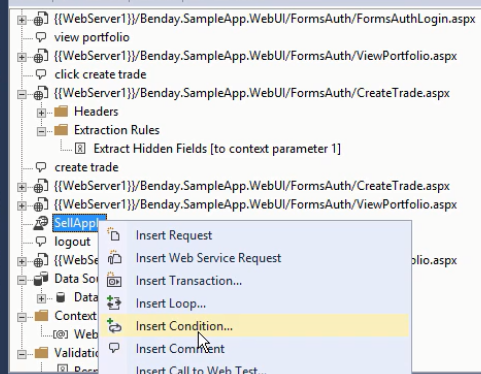
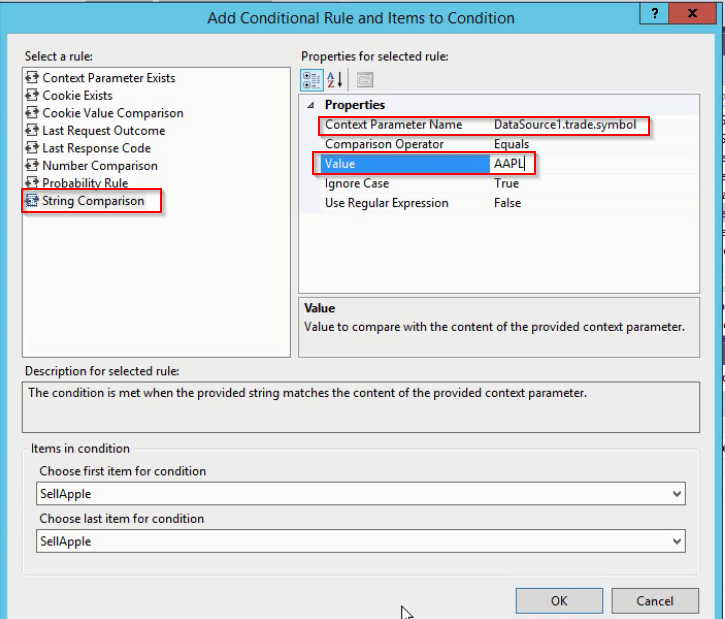
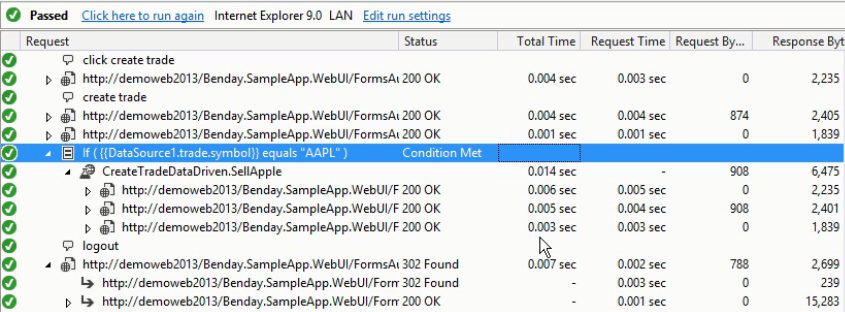
Conditional added to the test step
Challenges
Set the baseline response time validation rule for login page for 3 seconds, observe the resutl

For particular page log in page, the average response time WAS
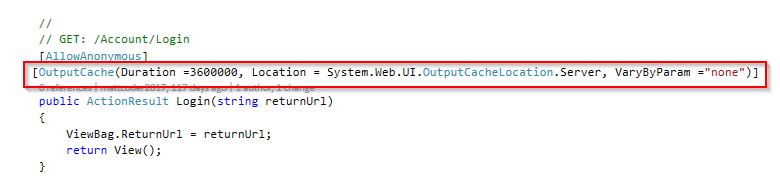
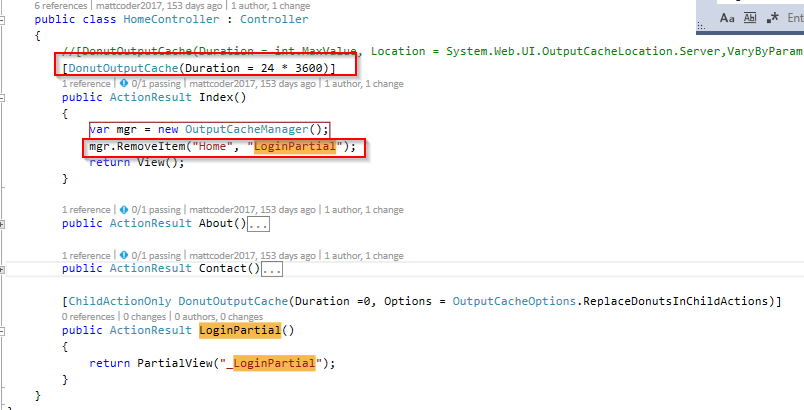
Challenge : Caching the home page can speed up the load time, but what about the top right section where content depend on whether user log in or not
Solution : Use Donut Caching

Load balance using Nginx refer to this link
Machine key need to be generated by IIS / added apply to web.config *at all web application*
To avoid offending cookie authentication not match issue (cookie issued by same application host at different server could not validate each other)
Here is the youtube video to teach how to achieve it https://www.youtube.com/watch?v=bU7bA5myapY
Load test rigs